From the team behind the TVU backpack used in some of the world’s biggest streams

Kai Cenat


IShowSpeed


Cyr Clips


Knut


KSI


Nmplol

2.7
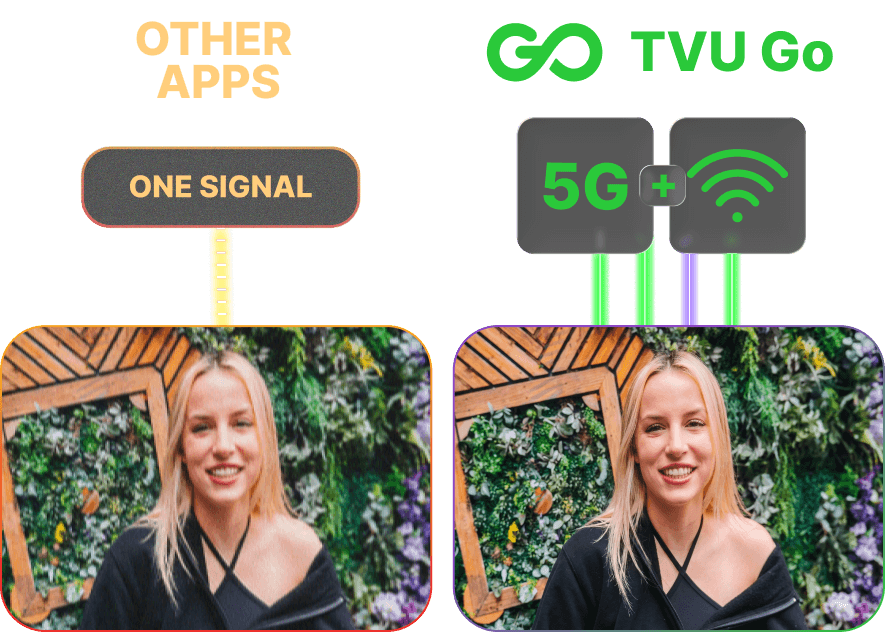
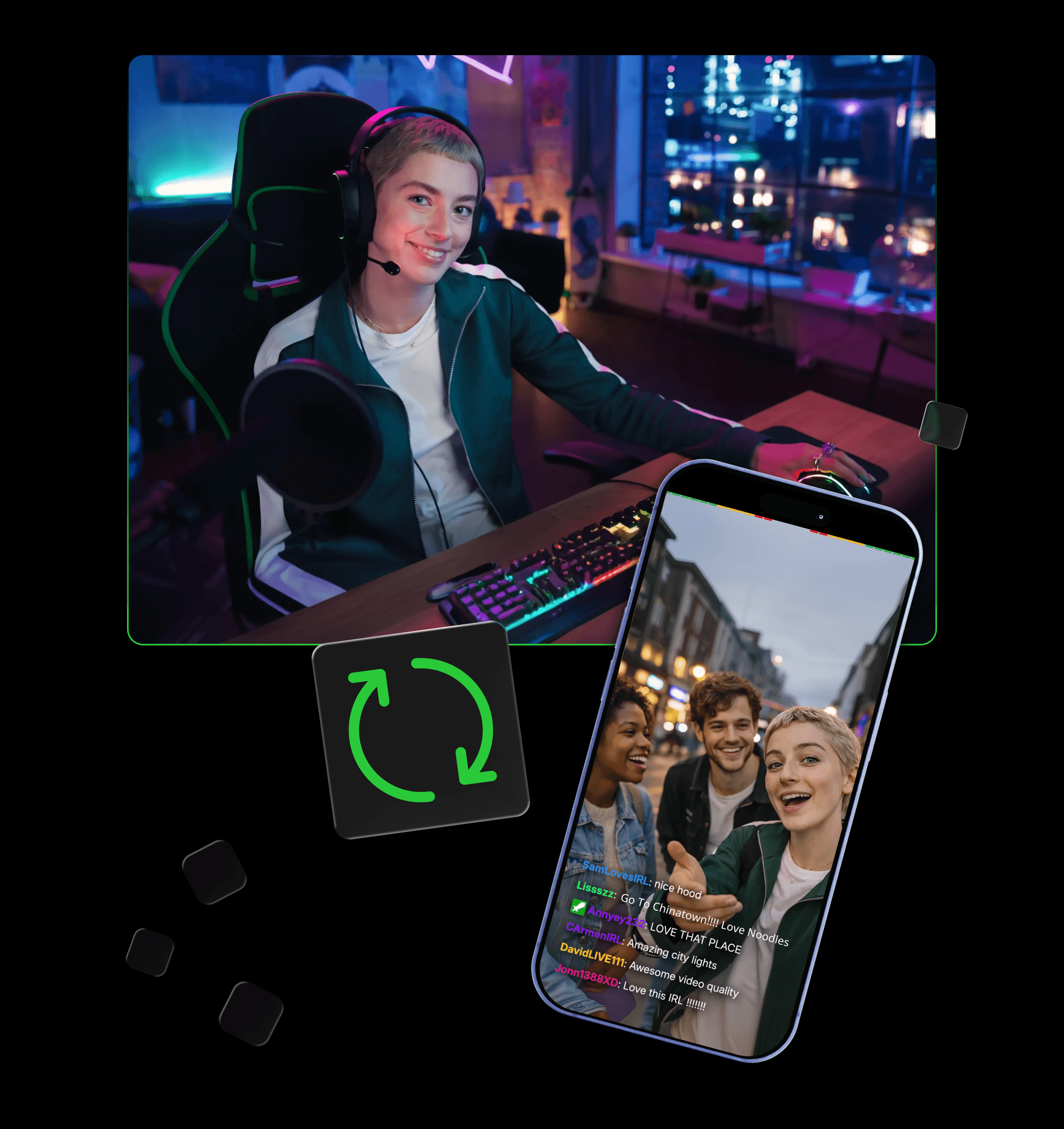
Most apps rely on a single connection. When it drops, your stream breaks. TVU Go relies on the same ISX protocol used by the TVU IRL backpacks to aggregate 4G/5G, Wi-Fi, and tethered phones into one stronger stream, so you stay live even when one signal fails.
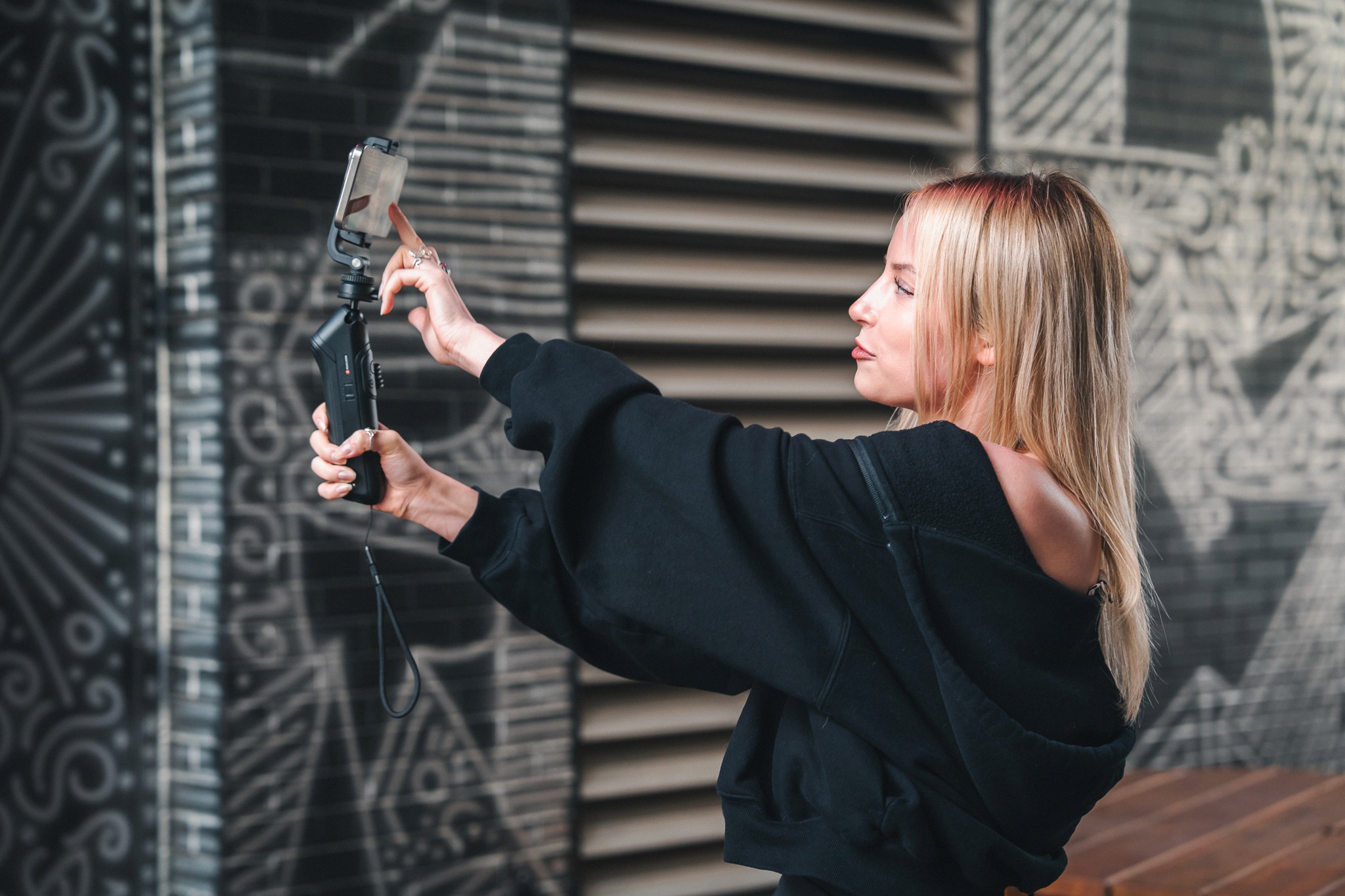
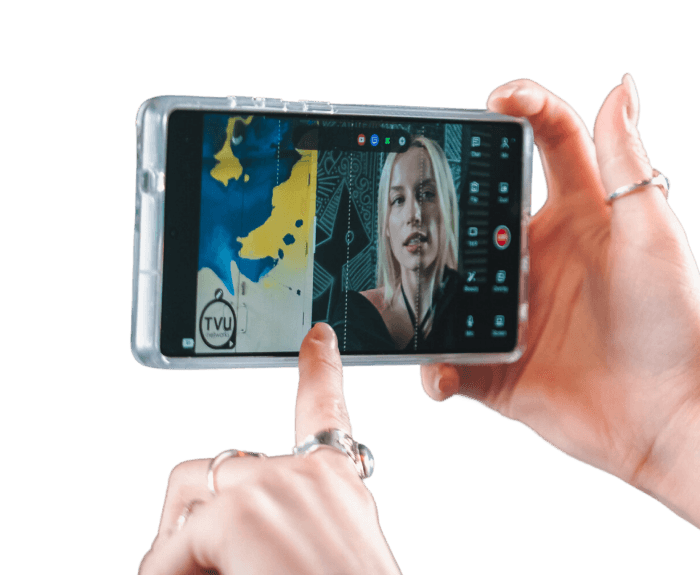
Just log in and go live. TVU Go automatically manages your resolution, connection, bitrate, and recovery, so you can focus on streaming.
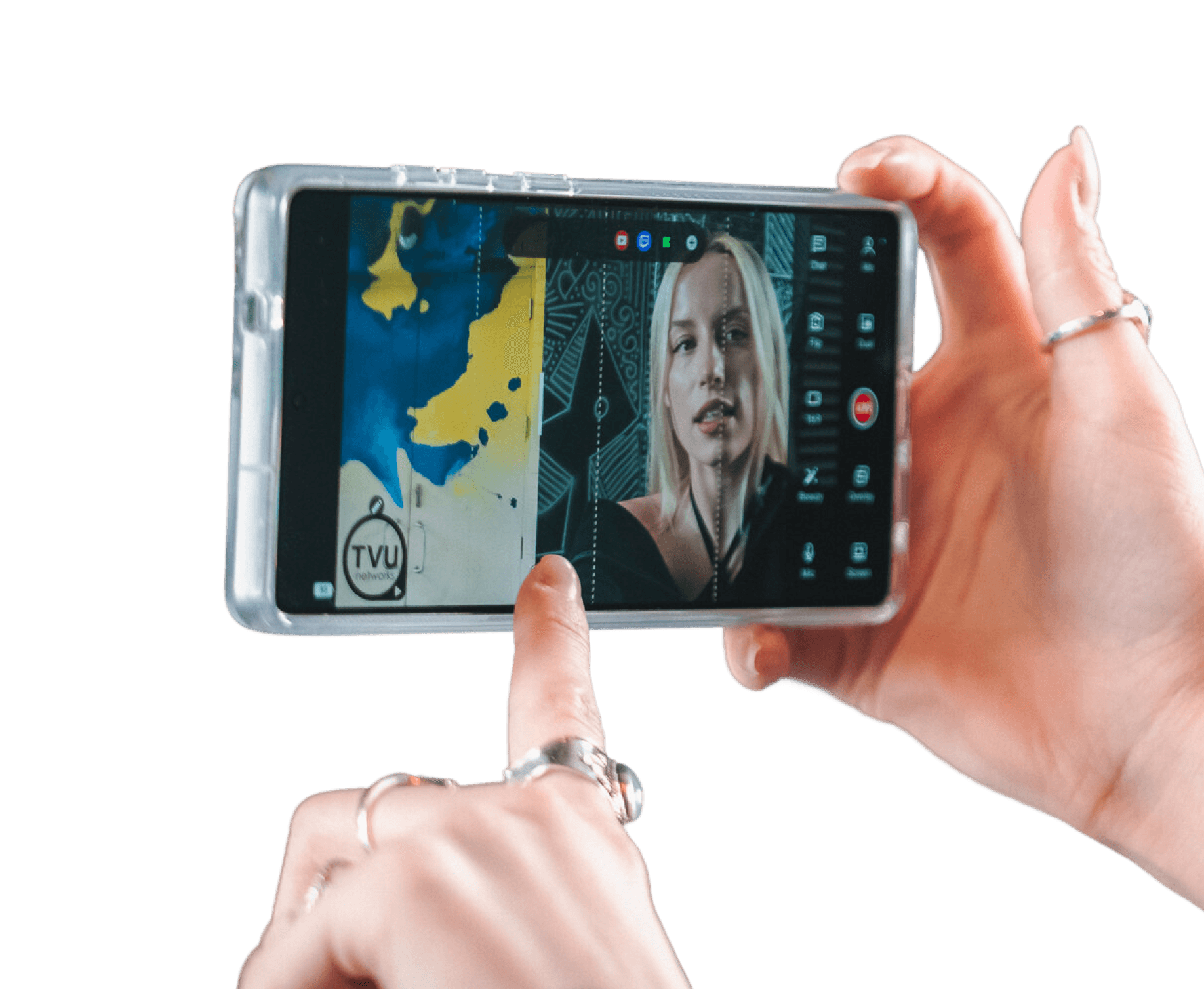
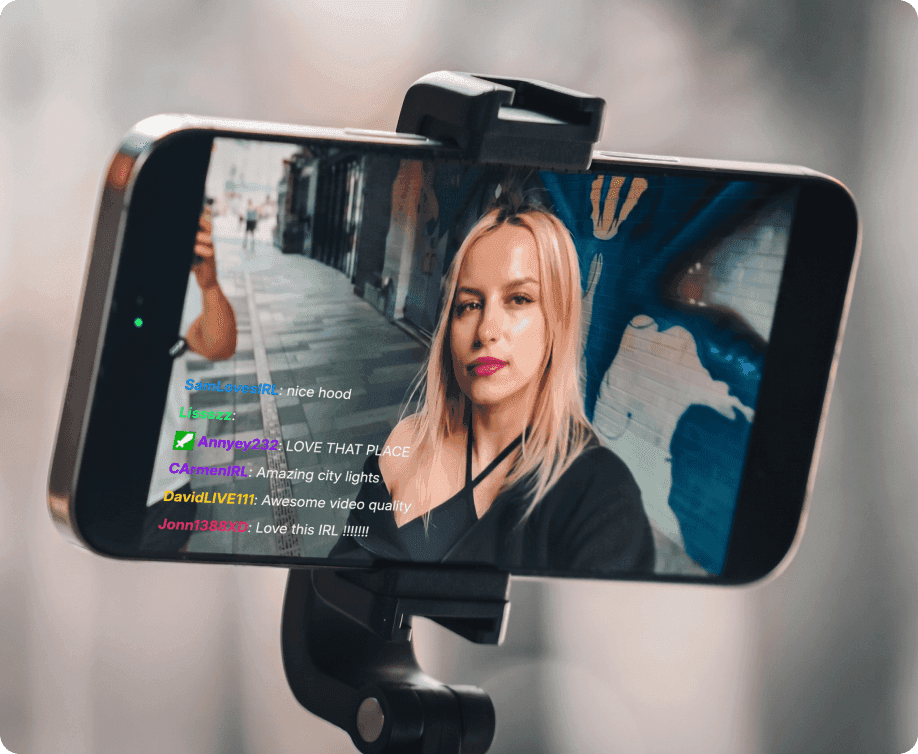
Pro IRL studio, right from your phone
Make your live streams stand out.


IRL experts have your back
TVU Go includes support from the team
behind the biggest IRL streams.


Got Questions? We’ve Got Answers.
Where can I get TVU Go?
TVU Go is available at launch on the Apple App Store and Google Play.
How does TVU Go stay more stable?
TVU Go mobile streaming app is designed for real-world IRL conditions where networks constantly change. It uses adaptive variable bitrate to adjust video quality in real time, so streams stay smooth instead of freezing when bandwidth drops. Under the hood, TVU Go uses TVU ISX, the same live transport technology behind TVU’s IRL backpack, which handles packet loss and unstable networks more gracefully than standard mobile streaming or basic cellular bonding.
If the connection dips, TVU Go automatically recovers—and can temporarily play a fallback clip—so your audience never hits a dead stream.
Which devices support TVU Go?
TVU Go is available on iOS and Android, for both tablet and smartphones. For optimal performance, we recommend using an iPhone 13 or newer, ideally Pro models.
Do I need a subscription to use TVU Go?
Yes, a subscription is required, but you can start with a free 3-day trial with full access.
Go live as much as you want, test it in real conditions, and see the performance for yourself.
We’re confident you’ll quickly see the reliability and quality that make TVU Go stand out.
When is TVU Go enough, and when do I need an IRL backpack?
TVU Go is ideal for agile IRL streaming using your phone (single SIM + Wi-Fi or hotspot). It’s perfect for walking streams, travel, meetups, and everyday IRL in areas with moderate connectivity.
TVU RPS One IRL backpacks are built for extreme conditions: very dense crowds, high movement speeds, long nonstop streams, complex productions, multi-camera setups, and environments where connectivity is highly unstable. That’s why they’re used for world tours, major events, and critical live moments by top creators.
In short:
TVU Go = mobility and simplicity.
IRL Backpack = maximum reliability for the hardest conditions.
Does TVU Go connect to OBS?
Yes, you can integrate OBS as a custom destination while streaming with TVU Go. See how here.
Does TVU Go support external microphones?
Yes. TVU Go works with both wired and wireless microphones. Wireless mics can connect through a receiver or directly via Bluetooth, depending on the model.
When a compatible external audio device is connected, TVU Go automatically detects it and switches the audio input. You can also manually switch between microphones at any time if needed.
For the most reliable experience, plug-and-play microphones are recommended for quick and easy setup.
___________________
Recommended microphones
Hollyland Lark M2S DUO
Hollyland Lark M2 USB-C
Saramonic Air SE-02
DJI Mic Mini
___________________
Minimum requirements
Wireless microphones
2.4 GHz systems that connect via USB-C or Lightning
Bluetooth microphones (supported, but may have quality or stability limitations depending on the device)
Wired microphones
USB-C or Lightning microphones
3.5 mm microphones using a compatible adapter or dongle
___________________
How to connect
Direct (recommended)
Plug the receiver or microphone directly into your phone via USB-C or Lightning.
With adapter (for 3.5 mm microphones)
Use a USB-C or Lightning audio adapter, then connect your microphone or receiver.
Bluetooth (optional)
Pair your microphone in your phone’s Bluetooth settings
TVU Go will automatically use it once connected
Can TVU Go be used with external cameras?
Yes. TVU Go supports a growing range of external cameras, with compatibility depending on your device.
Android
Sony PDT FP1 is supported for connecting external cameras.
UVC-supported cameras
Recommended devices:
DJI Action 4
DJI Pocket 3
Mentra Glasses
Other UVC-compatible devices may work, but compatibility is not guaranteed and some may experience issues.
iPhone (iOS)
Wireless RTMP streaming
Recommended devices:
DJI Action 6
DJI Action 4
DJI Pocket 3
DJI Pocket 4
Accsoon SeeMo
Connect professional cameras, such as the Sony FX3, to TVU Go.
iPad
UVC-supported cameras
We're continuously expanding external camera support. As demand grows, we'll continue to prioritize and accelerate compatibility with additional devices.